Why sync your files with your Claude Code server
Slava Sazhin 27 October 2026 5 min read 0 views
Your agent works on a server and you work on a laptop. One shared folder brings its reports to you and your files to it, in seconds.
An agent on a server of its own keeps working while your laptop is shut. It answers a customer at three in the morning, checks a supplier's price list every hour and writes the weekly report on Sunday night. Then you open the laptop on Monday, and the report is on a machine in a data centre, inside a terminal.
Since 21 October every machine we rent can keep one of its folders the same as a folder on your Mac or Windows PC. What the agent saves there appears on your computer. What you put in the folder on your computer is on the machine a few seconds later, where the agent can read it.
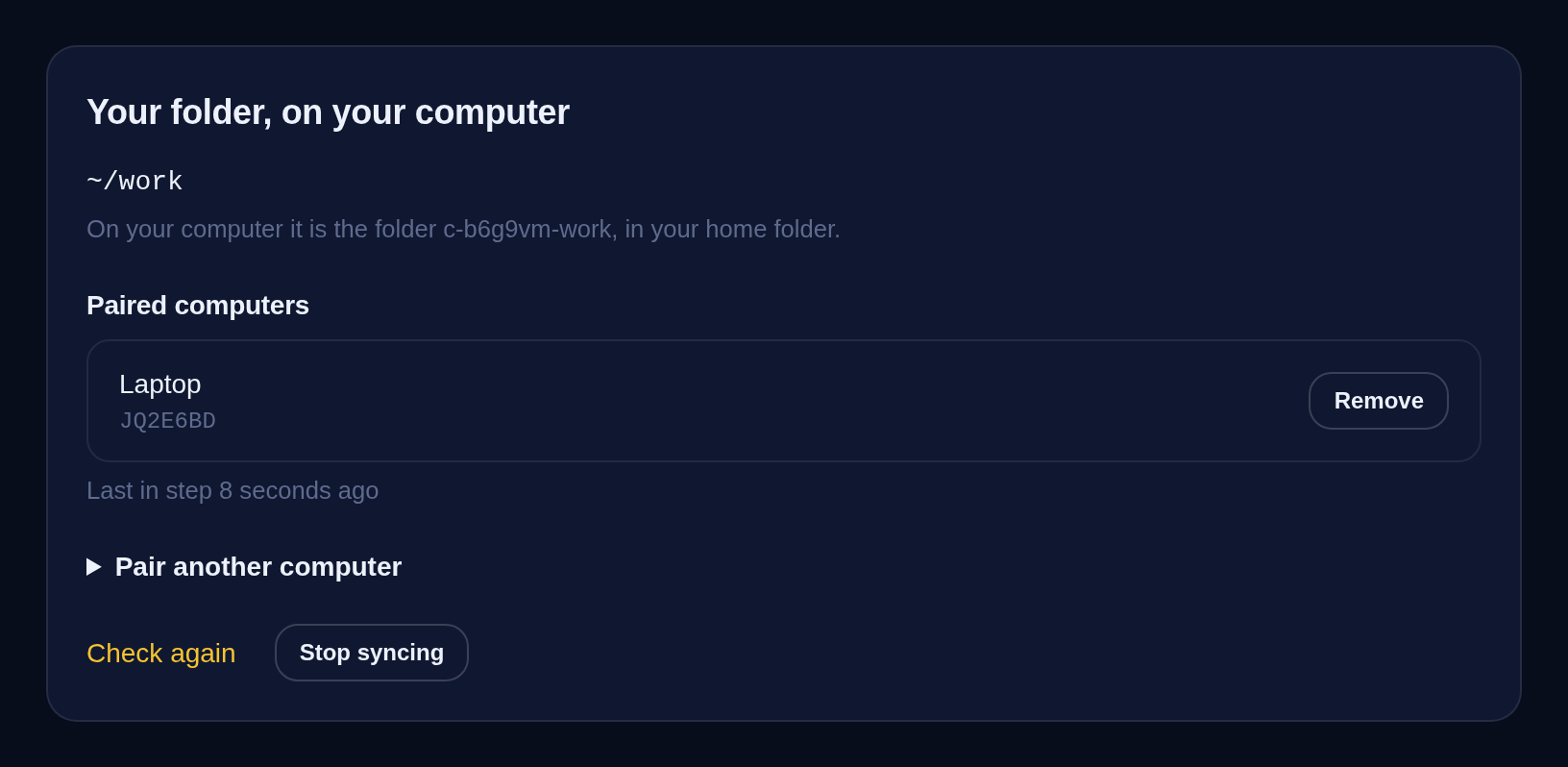
What changes when the folder is shared
- The agent's work is on your computer. A report, a spreadsheet, a draft letter: the agent saves it in the folder on the machine, and you open it in Excel, Numbers, Word or Preview like any other file on your computer. No terminal, no download.
- You give the agent a file by saving it. A supplier's price list, a month of invoices, a client's contract: put it in the folder on your computer and it is on the machine within seconds. In our test, a file saved on a laptop was on the server four seconds later.
- You and the agent work on one file. Correct the agent's draft in your own editor and save it. On its next run the agent reads your version, because there is only one.
- It keeps going without you. Changes travel whenever your computer is on. A file the agent writes while the laptop is closed is waiting in the folder when you open it.
For one file there is a quicker way: drag it onto the terminal and it lands in ~/uploads. Sync is for a folder that you and the agent both keep working in.
Why not give the agent your cloud drive
You could connect the agent to Dropbox or Google Drive instead. Then the agent holds a key to the whole drive, every folder in it, and your files pass through another company on the way. With folder sync the agent gets one folder and nothing else. The files go straight between your computer and your machine, encrypted on the way. The machine announces itself nowhere and uses no relay: your computer connects to its address, and only after you have confirmed that computer on the machine's page.
How to switch it on
Open your machine's page in the dashboard and press Sync a folder with your computer. The folder is ~/work unless you choose another one inside your home folder.
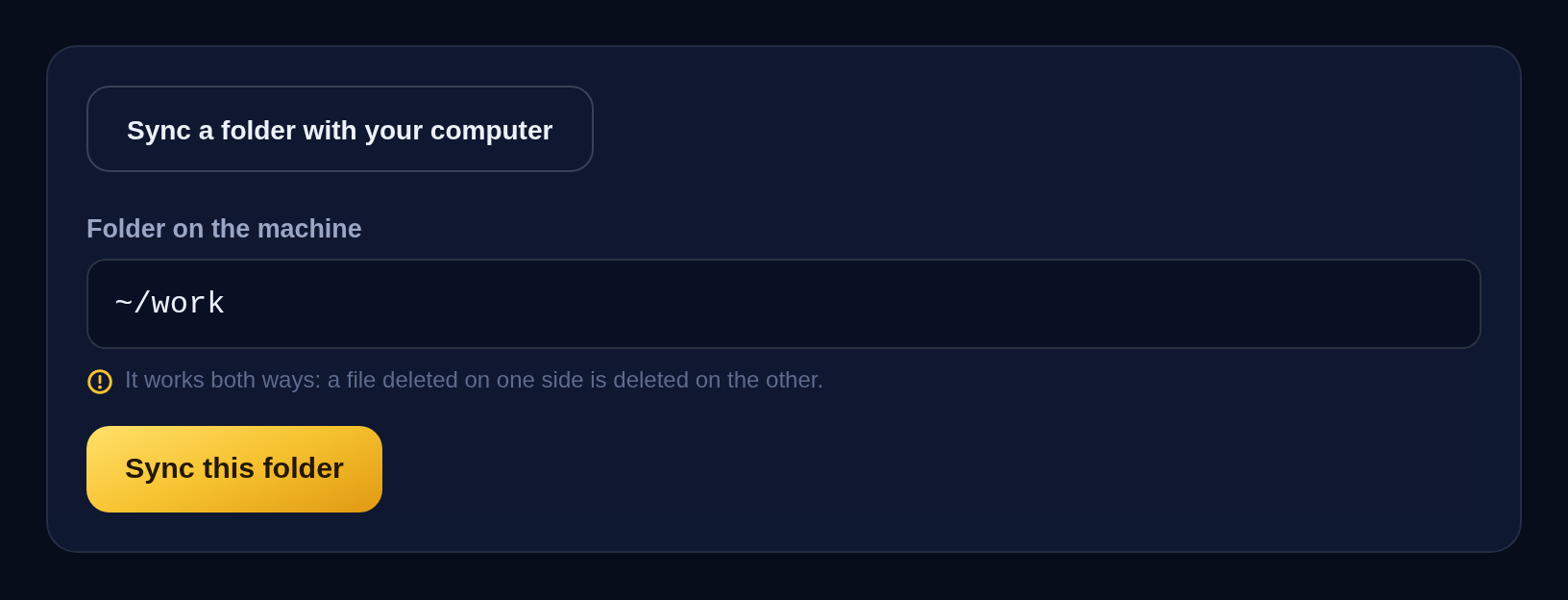
Press Sync this folder. Setting the machine up takes a few minutes.
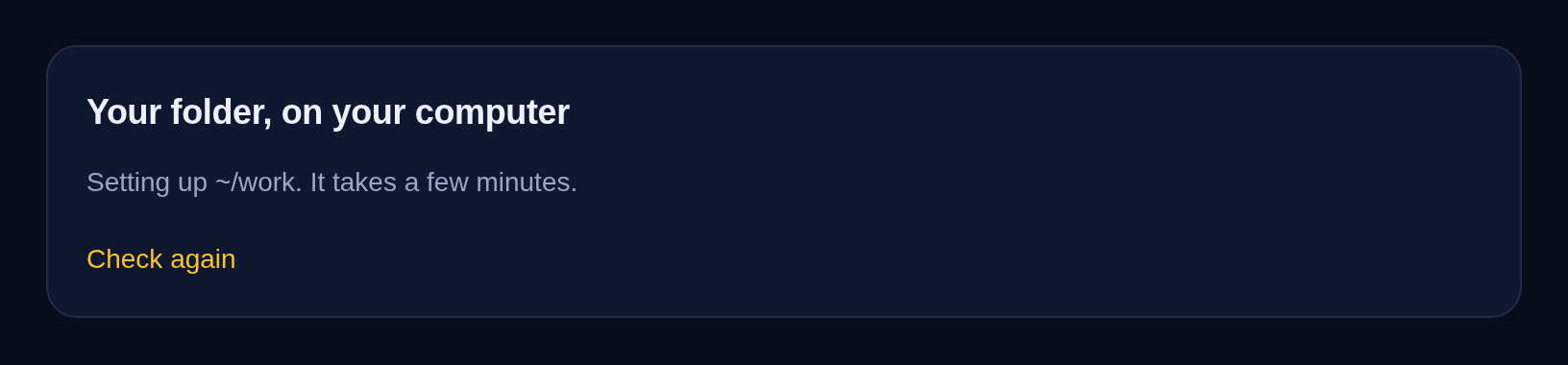
Your computer needs one small free app. The page names it and shows how to install it on a Mac or a Windows PC, under How to pair a Mac or a Windows PC. You paste the machine ID and the address from the page into the app, and that is all the typing there is.
A minute or two later the page shows your computer asking to connect, with its name and the first seven characters of its ID. Check they match what the app on your computer shows, and press Confirm. A computer you do not recognise gets Not mine, and it does not connect.

About a minute after that, your computer is offered the folder. The steps on the page put it in your home folder under the machine's name and the folder's, such as c-b6g9vm-work, so it never mixes with a folder of your own. The page then lists the computer under Paired computers and says when the two were last in step. To add an office PC as well, open Pair another computer.
What stays on the machine
- The folders that hold keys and settings cannot be chosen: ~/.claude, ~/.ssh, ~/.config and ~/.local. Neither can ~/agent, where your agent's own instructions are.
- .git, node_modules, .venv, __pycache__, .DS_Store and Thumbs.db are never synced.
Before you switch it on
- A deletion travels too. Delete a file on one side and it goes from the other. The machine keeps what was deleted or replaced for 30 days, and the steps on the page set the same on your computer, so a file deleted by mistake can be got back. If the folder has a CLAUDE.md, we add a paragraph to it telling the agent that the folder is synced and that what it deletes there is deleted on your computer too.
- Your computer has to be on. Changes travel while it is on and the app is running, and catch up when it starts again.
- Some networks block it. Offices, hotels and public Wi-Fi sometimes close the port it uses. If your computer never connects, try once from your phone's hotspot, then write to us.
- Switching it off keeps your files. The button Stop syncing takes the app off the machine and closes its port. The files stay where they are, on both sides.
Folder sync comes with every machine we rent, the Mini included, at no extra charge. If you do not have one yet, here are the machines and their prices.
The screenshots are from our own test machine on 27 October 2026, paired with a laptop. Claude and Claude Code are trade marks of Anthropic. We are not affiliated with or endorsed by Anthropic.
Was this article worth your time?
Read next
File of the day
A Claude Code command that finds the apps hackers are breaking in through right now
Protect your files and money: Claude Code finds your apps hackers are breaking in through now and says what to update.
File of the day
A Claude Code rule that keeps your passwords in the Keychain, not in notes
Keep access to your services and out of the hands of thieves: Claude Code stores your passwords in the Keychain, not in notes.
File of the day
A Claude Code hook that skips permission questions while you are away
Leave Claude Code with a task and it no longer waits an hour at a permission question: the step that needs your yes is skipped, the rest gets done.
Give Claude a computer of its own
Your own Linux machine with Claude Code on it, working around the clock while your laptop is shut. From $3.49 a month.