When the job is too big for your Claude Code server
Andy Avramenko 29 October 2026 4 min read 1 view
Some builds need more memory than your machine has. Now Claude Code can borrow a bigger machine for the job: 3 cores and 6 GB, deleted when it is done.
Claude Code on a server of its own does a lot with one core and a gigabyte of memory. It answers mail, checks prices, writes the weekly report. Then you ask it to build your Android app. Gradle wants three or four gigabytes, the build dies halfway, and Claude Code says, correctly, that it needs a bigger machine.
One of our customers wrote to us with exactly that on a Sunday morning in October. By the afternoon every machine we rent could borrow a bigger one for the job: 3 cores and up to 6 GB of memory, started by the Claude Code that needs it.
What the extra machine is
- A machine for one job. 3 cores, up to 6 GB of memory and 20 GB of disk. It starts empty. Claude Code installs what the job needs, runs it there and brings the result back.
- Reached from your machine only. Claude Code connects to it as
ssh extra. While the session lasts, its door is open to your machine's address and to nobody else. - Deleted when it stops. Every file on it goes with it. Nothing of yours stays behind.
What it costs
Every machine comes with hours each month: 5 on a Mini or a Start, 10 on a Basic or a Server, 30 on a PRO. They start again on the first of the month. Ten more hours cost €5 ($6), and hours you buy do not expire while you have a machine with us.
A session is counted from the moment it is ready until it stops, to the minute. If you start one and nobody connects to it, it costs nothing.
How to use it
Open your machine's page in the dashboard and, under Extra machine, press Add to this machine. We access your machine once to add the combo-extra command and a Claude Code skill. That access is logged, like every access, and it takes a minute or two. Machines built since 25 October have it from the start.
Then ask Claude Code for the job as you would anyway, for example "build the release APK". When the job is too heavy for your machine, the skill tells you how many hours are left and starts the extra machine. It copies over the project and nothing else, runs the build, brings the APK back and stops the machine. You can also press Start and Stop on the page yourself.
The skill never copies ~/.claude, passwords, .env files or keys to the extra machine.
What we measured
On 25 October we built a small Android app this way from one of our own test machines: Kotlin, Gradle 8.7, a debug and a release APK.
| Step | Time or size |
|---|---|
| Extra machine ready, after the command | 33 seconds |
| Android tools and SDK installed | 16 seconds |
| Debug and release build | about 2.5 minutes |
| Memory at the peak | 4.2 GB |
| Hours used | 7 minutes |
4.2 GB is four times what a Mini has, and two thirds of what the extra machine gives.
The limits, for now
- A session runs at most 3 hours, and stops by itself after 20 minutes with no ssh connection.
- One session at a time per account. If another customer's session is running, yours waits in line; if the wait is long, we mail you when it is ready.
- We also mail you when a session stops by itself, when it has run for an hour and when less than an hour is left.
- Need more memory, more cores, a longer session or two at once? Press Ask for more and write what you need. The answer comes on the page, with the rate, before anything starts.
- There is no graphics card.
Hours by plan are on the price list.
What would you run on one of these? Write to us with what you think, or with what it is missing.
Was this article worth your time?
Read next
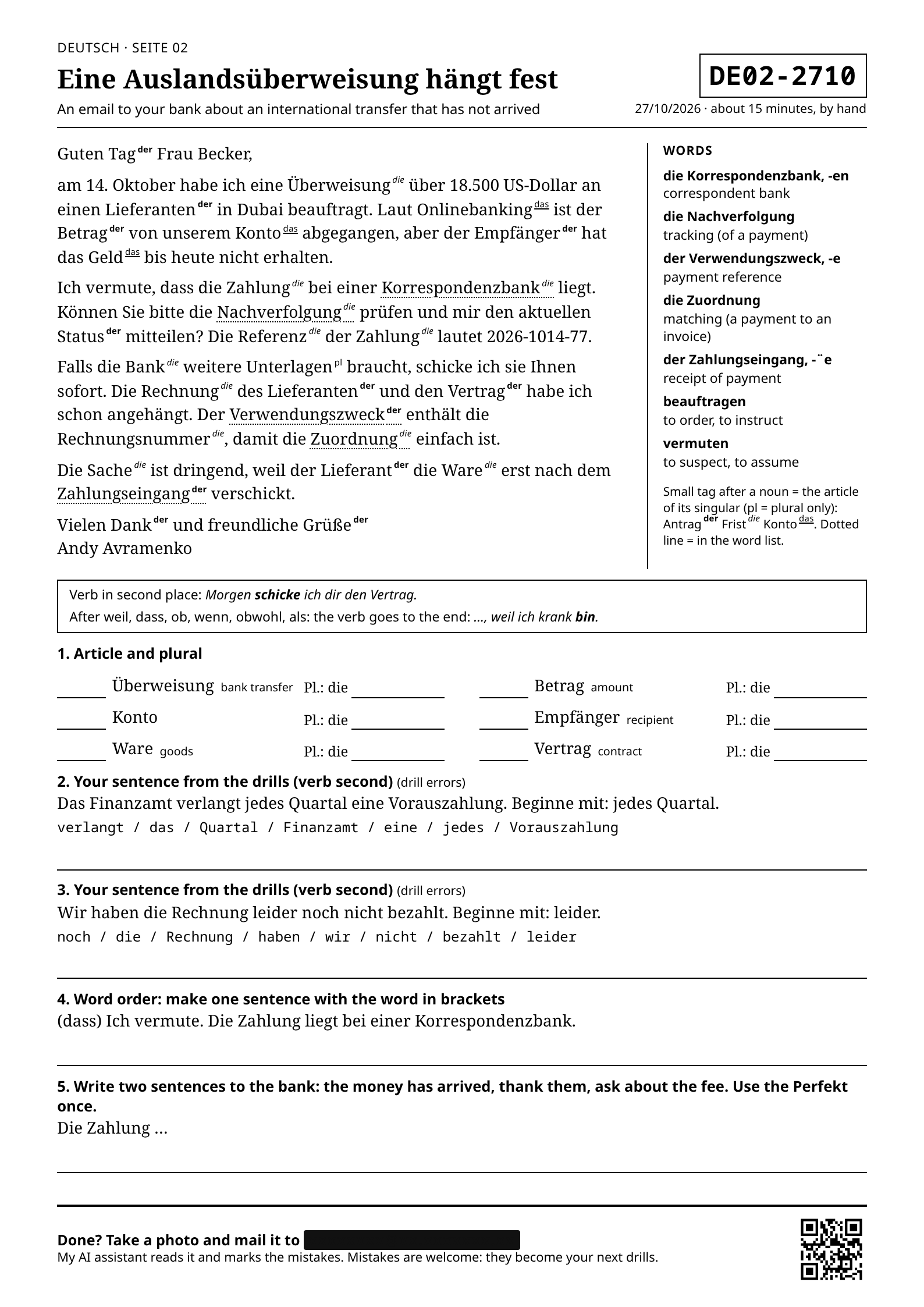
More on ways to interact with AI. How I am learning German
Voice is not the only alternative to a monitor and keyboard. Claude makes a PDF of the morning mistakes and sends it to the printer. I fill it in by pen.
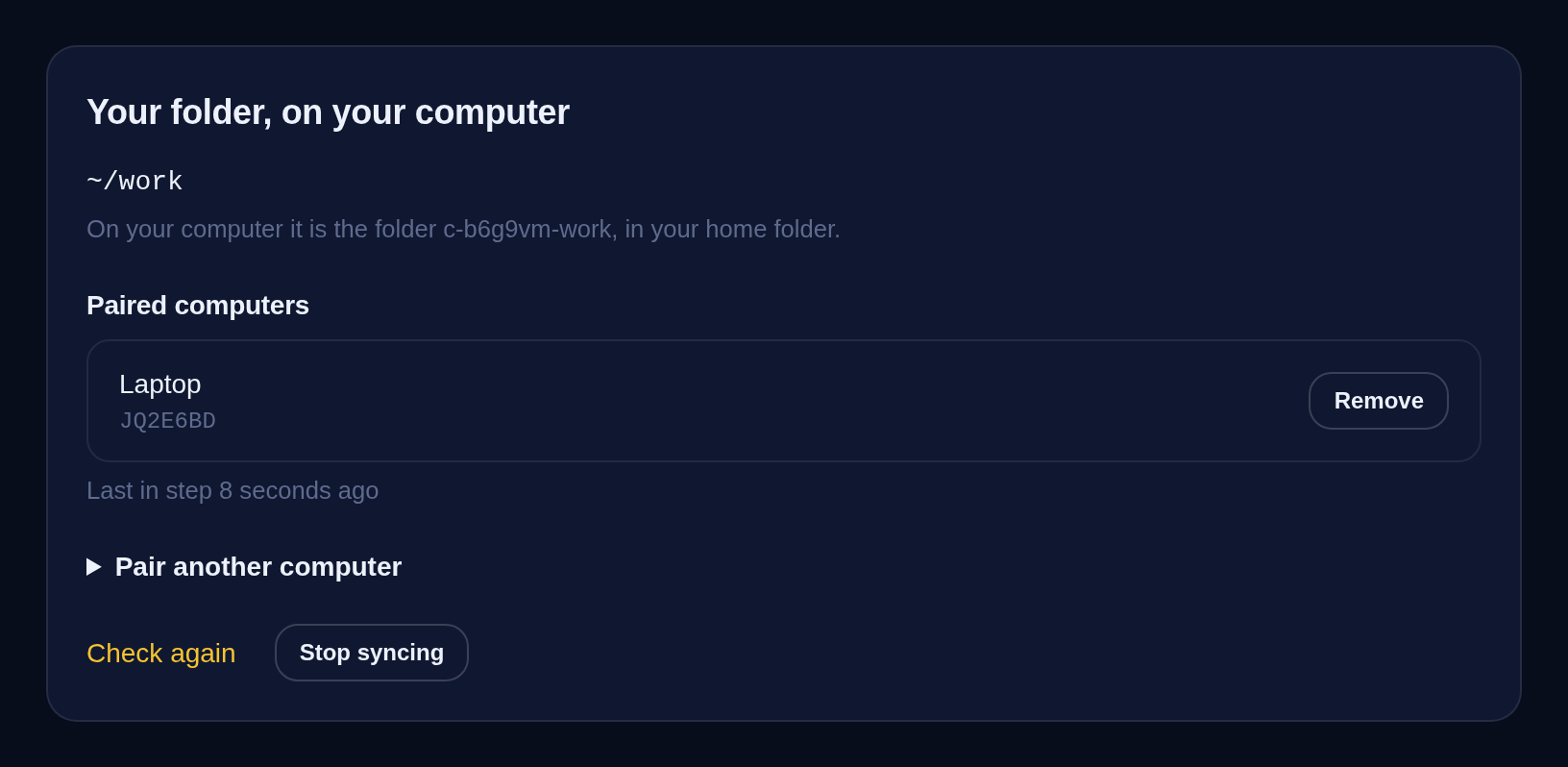
Why sync your files with your Claude Code server
Your agent works on a server and you work on a laptop. One shared folder brings its reports to you and your files to it, in seconds.
File of the day
A Claude Code command that finds the apps hackers are breaking in through right now
Protect your files and money: Claude Code finds your apps hackers are breaking in through now and says what to update.
Give Claude a computer of its own
Your own Linux machine with Claude Code on it, working around the clock while your laptop is shut. From $3.49 a month.